![[Your Name Here] Logo White](assets/img/logo/Logo-white.png)
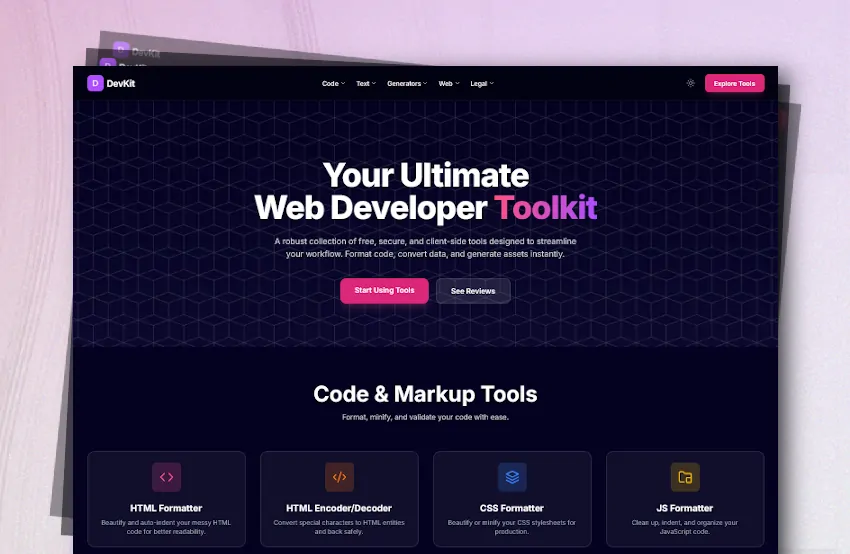
DevKit is a sleek, modern, and highly functional client-side application designed to be a one-stop-shop for web developers. It provides a suite of over 30 essential, browser-based tools that streamline common development tasks, from formatting and minifying code to generating color palettes and decoding JWTs, without requiring any installation or setup.
“The primary goal was to create a fast, accessible, and user-friendly toolkit that boosts developer productivity. I prioritized user privacy and speed by ensuring no user data ever leaves the browser.”
The entire application is client-side. By handling all processing locally, DevKit offers instantaneous results while guaranteeing that sensitive code or text inputs are never logged on a server.
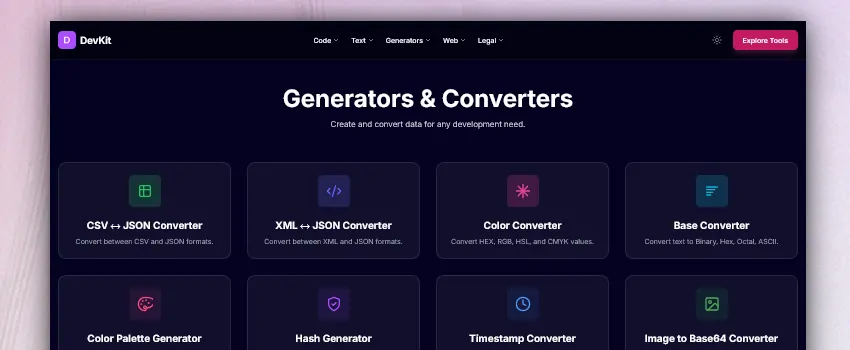
Designed with a philosophy of simplicity and efficiency, the toolkit's architecture prioritizes the user experience above all else. By leveraging the power of client-side JavaScript, I created a system that is both lightweight and powerful, ensuring results are available immediately to developers for rapid testing and prototyping.
localStorageThe website is built on a foundation of semantic HTML5 and styled with Tailwind CSS for rapid UI development. The core logic relies entirely on modern JavaScript.
Semantic HTML structure styled with Tailwind CSS for a utility-first, maintainable, and responsive design system.
Heavy use of DOM manipulation for real-time updates and event handling. All tool logic is written in modern client-side JS.
Integrated for the Markdown to HTML converter tool, ensuring fast, reliable, and standards-compliant parsing.
Utilizing CryptoJS for cryptographic hash generation and QRCode.js for rendering QR codes directly to HTML canvas.
Developing DevKit presented unique technical hurdles, specifically regarding local browser security policies and complex formatting logic.
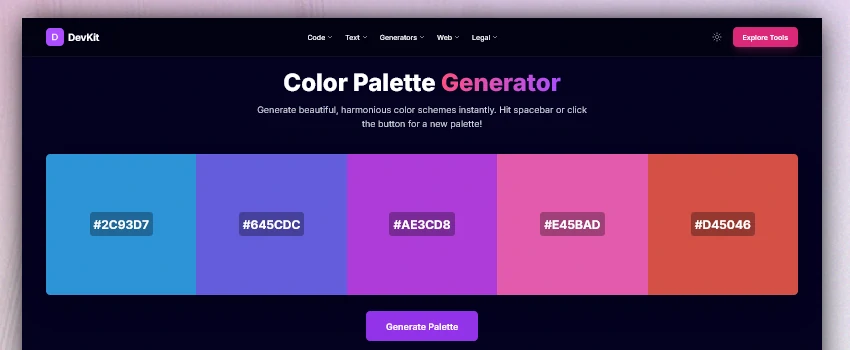
Building a complex client-side application often reveals unique hurdles that standard server-side frameworks handle automatically. From managing persistent state across static pages to optimizing heavy computational tasks on the main thread, each obstacle provided an opportunity to deepen my understanding of browser mechanics and JavaScript optimization techniques.
localStorage persistence for the theme switcher when testing locally.http.server) to unify all pages under a single localhost origin, ensuring consistent user preferences.
<!DOCTYPE>, self-closing tags, and embedded CSS.By focusing on a client-side-first architecture, I was able to deliver a tool that respects user privacy while providing the instant feedback developers need. This project not only sharpened my JavaScript skills but also reinforced the importance of edge-case handling and cross-environment testing in modern web development.